 RemoveVideoBack
Transparent video with alpha, exported as ProRes 4444
Upload a clip of a person, let AI remove the background, and download a MOV with a real alpha channel. Drop it into Premiere Pro, Final Cut Pro or DaVinci Resolve and place it over any footage, with no green screen and no manual masking.
Try it on one clip for freeOne free video up to 15 seconds. No account needed.
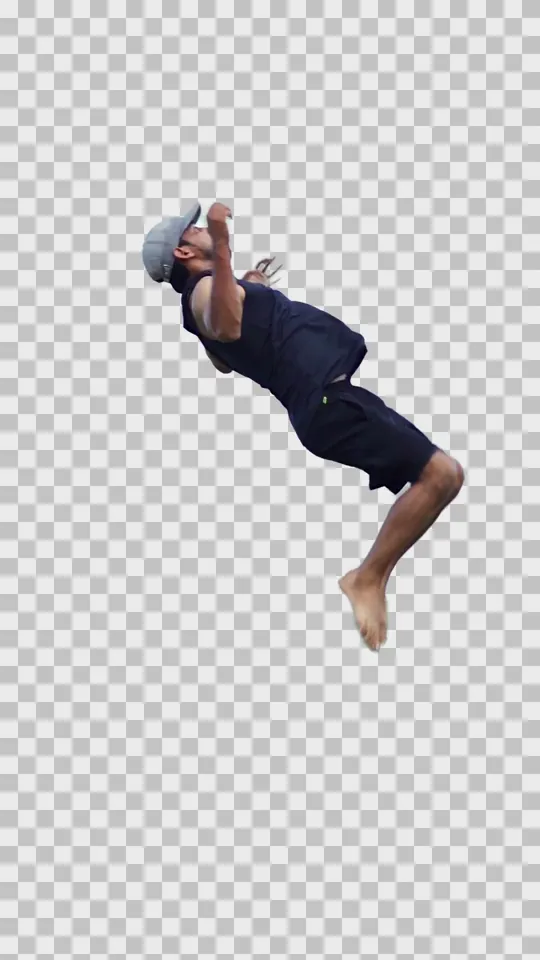
What you download
| File | MOV |
|---|---|
| Codec | ProRes 4444 (FFmpeg prores_ks, profile 4) |
| Pixel format | yuva444p10le: 10-bit 4:4:4 with an alpha channel. Frames are processed at 8 bits per channel before encoding. |
| Alpha | Straight (not premultiplied) |
| Frame size and rate | Same as your source clip |
| Audio | None. The MOV has no audio track, so keep the sound from your original clip. |
Background removal and the alpha channel
RemoveVideoBack uses the Robust Video Matting model to estimate, frame by frame, which pixels belong to the person. It then stores that estimate as an alpha channel: a per-pixel transparency map that travels with the video, including soft values around hair and motion.
H.264 MP4 files cannot carry that transparency, which is why the transparent effects export ProRes 4444 instead. Your editor can then composite the person over another video, an image or a title without a separate matte.
Using the file in your editor
Premiere Pro
Import the MOV and place it on a track above your background. If the edges look wrong, check the alpha setting under Modify › Interpret Footage.
Final Cut Pro
Import the MOV and connect it above your background in the timeline. If the edges look wrong, set Alpha Handling to Straight in the Info inspector.
DaVinci Resolve
Add the MOV to the Media Pool and place it on a track above your background. In Clip Attributes, set Alpha Mode to Straight. In the Color page, connect the alpha output of your node tree.
Menu names can vary between versions. The file uses straight alpha, so choose that option wherever your editor asks.
Which effects export alpha
| Transparent | Soft-edged cutout. ProRes 4444 MOV with alpha. |
|---|---|
| Cutout | Collage-style edges. ProRes 4444 MOV with alpha. |
| Halftone Transparent | Halftone dot pattern. ProRes 4444 MOV with alpha. |
| Halftone Cutout | Halftone with collage edges. ProRes 4444 MOV with alpha. |
| Green Screen and Halftone Green modes | MP4 on a green background, with no alpha channel. |
Limits and price
| Free trial | PRO | |
|---|---|---|
| Price | Free, once per user | €4.90/month, final price. Cancel any time. |
| Videos | 1 video | Up to 30 videos per billing cycle. Unused videos do not carry over. |
| Clip length | Up to 15 seconds | Up to 30 seconds each |
| Account | Not needed | Email and password. Payment through PayPal. |
| Effects and export | All effects, ProRes 4444 included | All effects, ProRes 4444 included |
Failed processing never uses your trial or your PRO videos. Each account processes one video at a time.
Before you start
Does the browser preview show the transparency?
No. The preview is only there to check the result. The alpha channel is in the MOV you download, so judge the edges in your editor.
Does it work on any subject?
It is designed for people. Fine hair, objects crossing the person and busy backgrounds can affect the result, and it is not a tool for isolating arbitrary objects or for keying a chosen colour.
Which files can I upload?
MP4 or MOV, as long as the server decoder supports the codec. Two files with the same extension can use different codecs.
How long does processing take?
Plan for minutes rather than seconds. On our current servers a 15-second 1080p clip takes around seven minutes. Larger frames take longer.
How long is my file kept?
Uploads and results are deleted automatically about 24 to 25 hours after their last change, so download your MOV within that time.
Is there a watermark?
No. Neither the free trial nor PRO adds a watermark.
See how it handles your own footage
Use your free video on a clip up to 15 seconds, then check the edges in your editor.
Remove a video background